All articles
 Intermediate
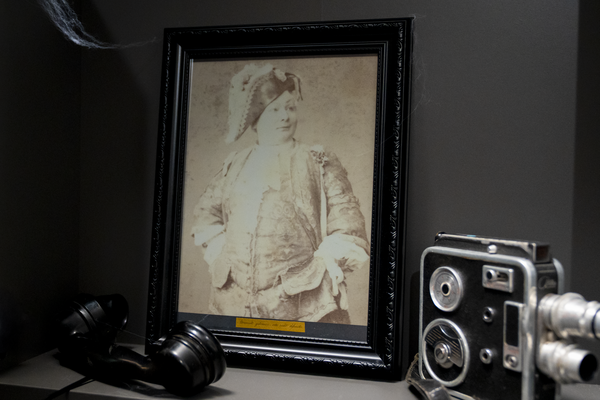
The Ghostly Portrait of Galvanic Ink
Learn how to display old Victorian photos on Inky Impression, adding a subtle but spooky twist to your seasonal decor.
 Intermediate
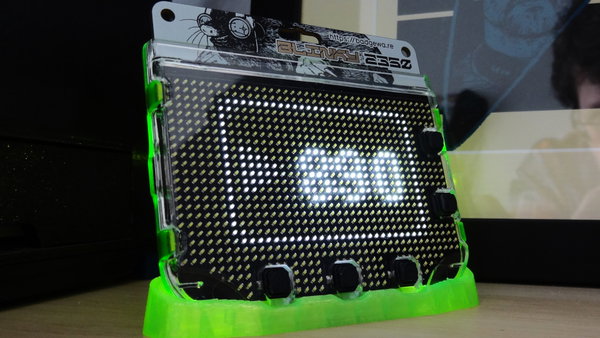
Celebrate YouTube Milestones with Badgeware Blinky
Learn how to use Badgeware functions to add custom graphics and milestone animations to our YouTube subscriber app.
 Intermediate
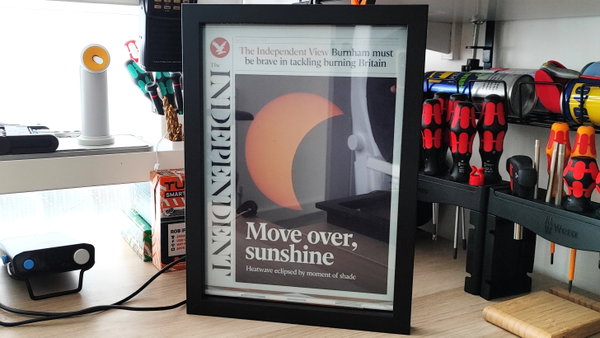
Displaying Daily Newspapers on Inky Impression
Learn how to download and display newspaper front pages on Inky Impression.
 Intermediate
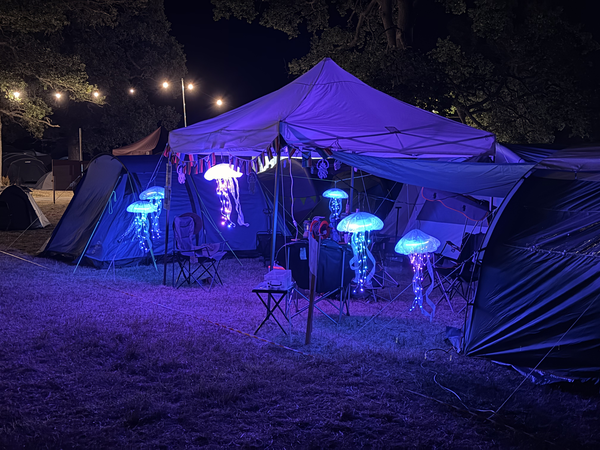
Building a Swarm of Sound-Reactive Jellyfish
How we made a bunch of glowing jellyfish for EMFCamp, powered by Raspberry Pi Pico 2.
 Intermediate
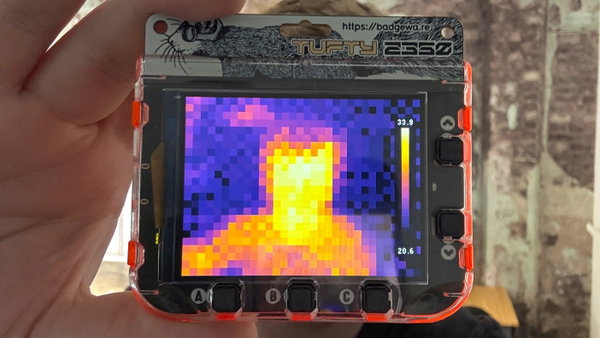
Build a Thermal Camera with Tufty 2350 and MLX90640
Learn how to make a handheld thermal camera and visualise hot and cold spots in real time.
 Intermediate
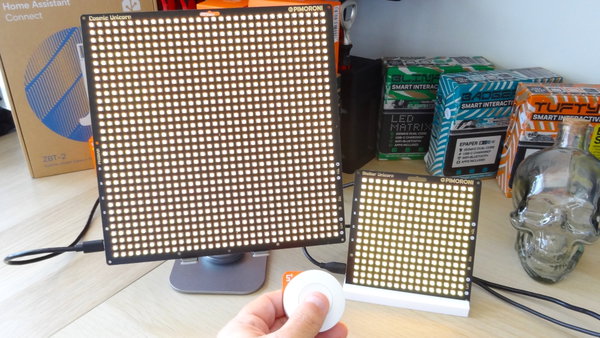
Build an RGB LED Doorbell with Home Assistant
Learn how to create a custom doorbell with colourful light effects triggered by a wireless Zigbee button.
 Intermediate
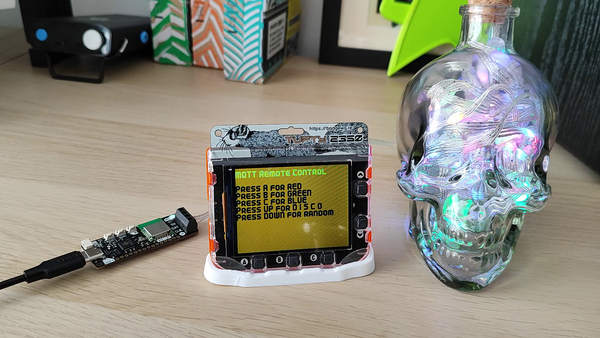
Remote Controlled LEDs with Badgeware and MQTT
Learn how Tufty 2350 can be used to control another device over Wi-Fi using the MQTT protocol.
 Intermediate
Picade Software Uber-Guide
Get Raspberry Pi OS and RetroPie running on your Picade, with guidance on controls, sound, NVMe storage, and PICO-8.
 Intermediate
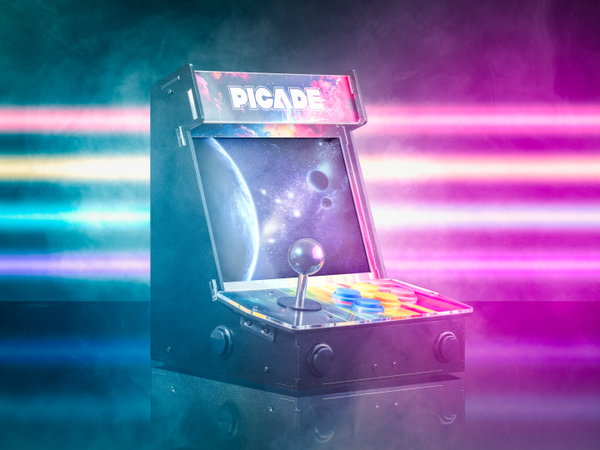
Assembling your Picade
Build your own mini-arcade cabinet with this friendly, step-by-step guide to the latest Picade, designed for Raspberry Pi 5 with optional NVMe Base support.
 Intermediate
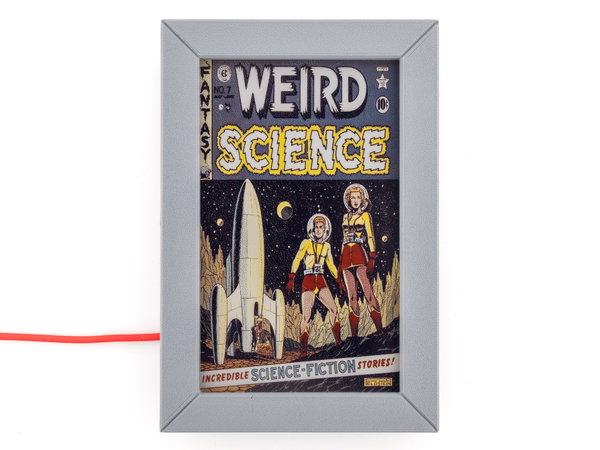
Displaying Comics on Inky Impression
Learn how to download and display comic art on Inky Impression.
 Intermediate
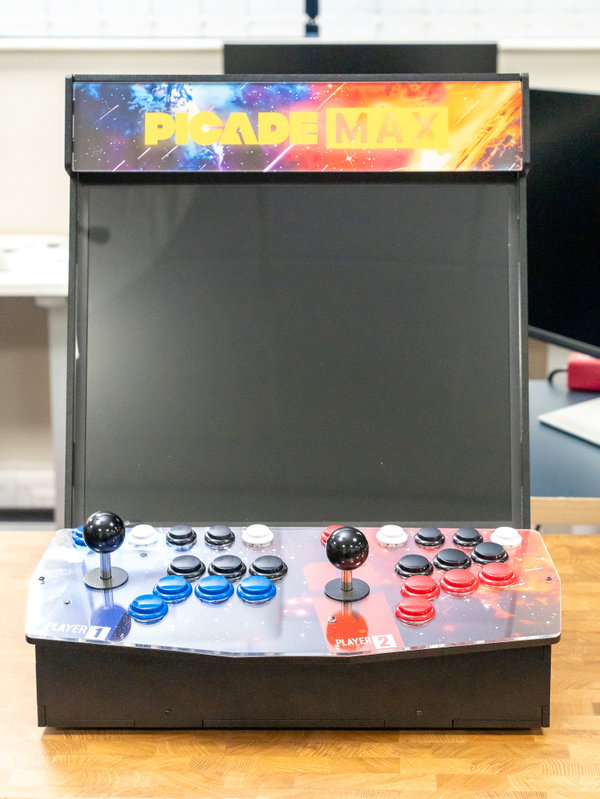
Assembling Picade Max
Learn how to assemble and set up Picade Max!
 Intermediate
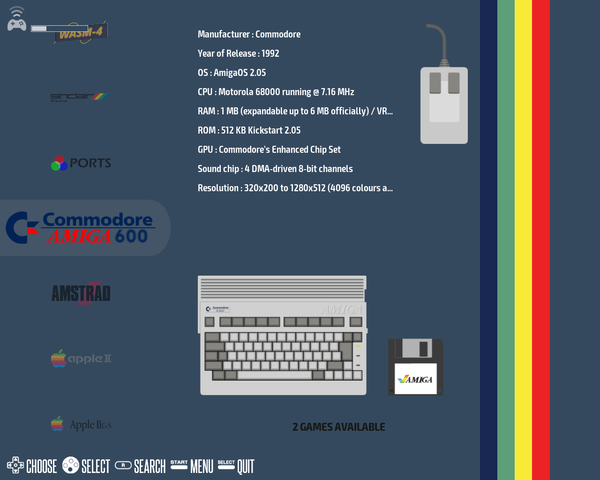
Setting Up Picade Max
Learn how to set up the software side of Picade Max.
 Intermediate
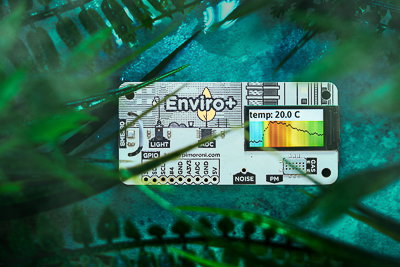
Getting Started with Enviro+
Learn all the ins and outs of Enviro+ and its Python library
 Intermediate
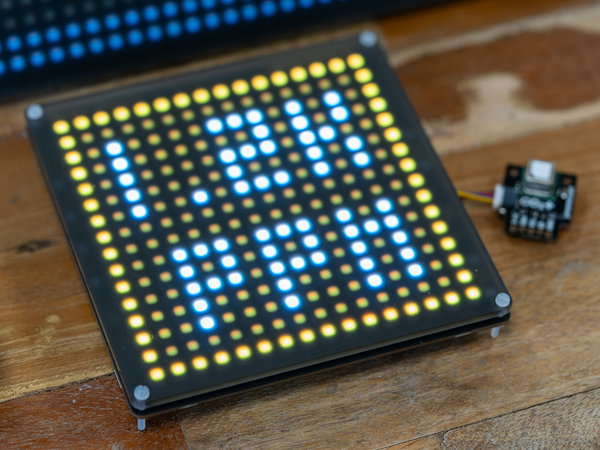
CO2 Detection with SCD41
Build carbon dioxide sensing devices using our SCD41 CO2 sensor breakout and MicroPython.
 Intermediate
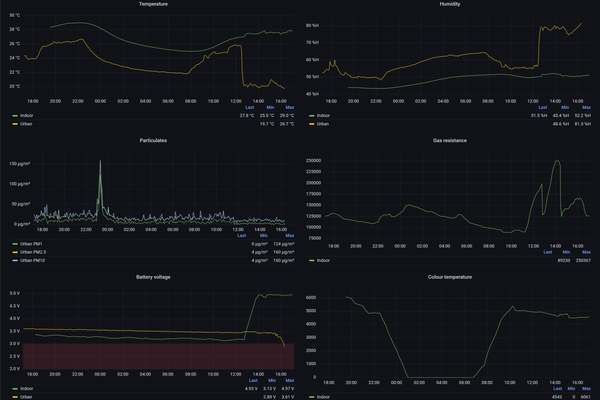
Enviro (Pico W Aboard) and InfluxDB
How to post your Enviro data into InfluxDB/Grafana.
 Intermediate
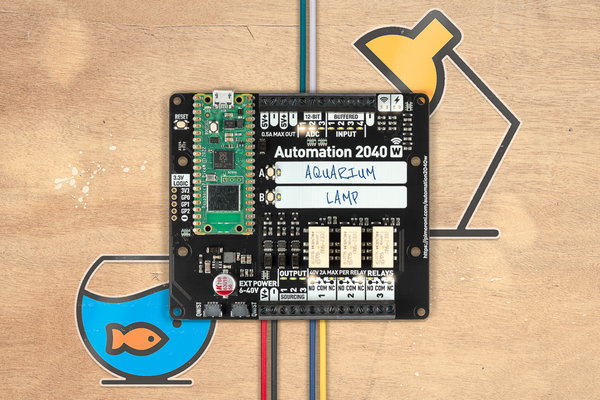
Getting Started with Automation 2040 W
Learn how to program Automation 2040 W with MicroPython and Thonny.
 Intermediate
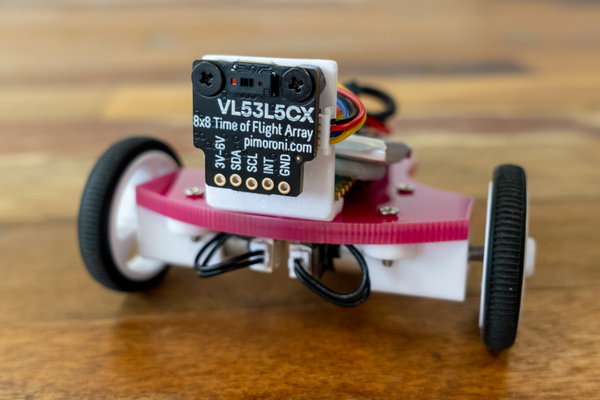
MicroPython and VL53L5CX
Learn how to use our VL53L5CX breakout with Raspberry Pi Pico (or other RP2040 boards).
 Intermediate
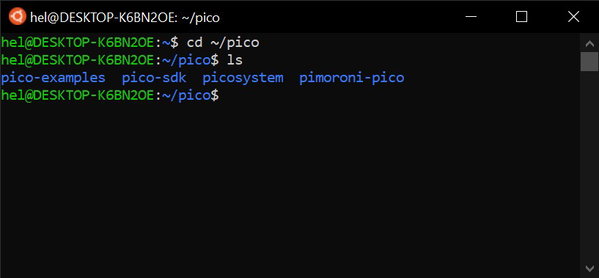
Pico C/C++ Development Using Windows
Learn how to program RP2040 boards from a Windows computer, using WSL
 Intermediate
PicoSystem API Cheatsheet
A handy dandy quick reference to all the goodness of the PicoSystem API!
 Intermediate
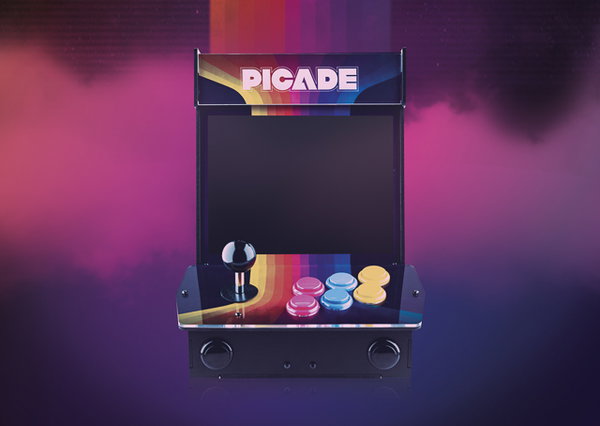
Getting started with PicoSystem and C++
Learn how to get your computer set up for PicoSystem C++ development!
 Intermediate
Assembling your 8" or 10" Picade with PICO-8 - 2020 Edition
Build and configure a 2020 Picade, from cabinet assembly and screen installation to RetroPie, PICO-8, and Picade HAT setup.
 Intermediate
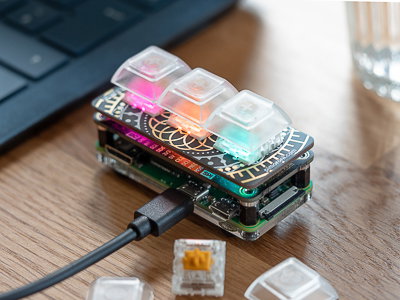
Assembling Keybow MINI
Learn how to assemble your Keybow MINI macro pad
 Intermediate
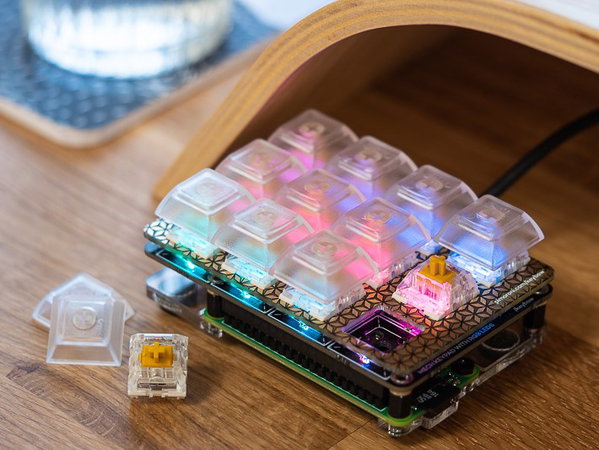
Setting up the Keybow OS
Install and test the Keybow OS
 Intermediate
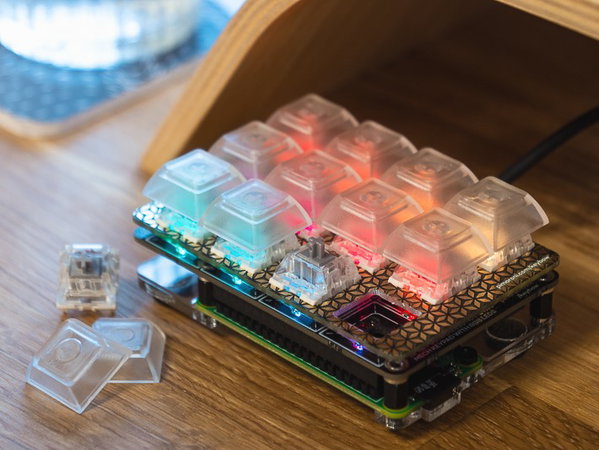
Assemble Your Keybow Mini Keyboard
Learn how to assemble your Keybow mini mechanical keyboard, from mounting the Raspberry Pi Zero WH to fitting the switches and key caps.